


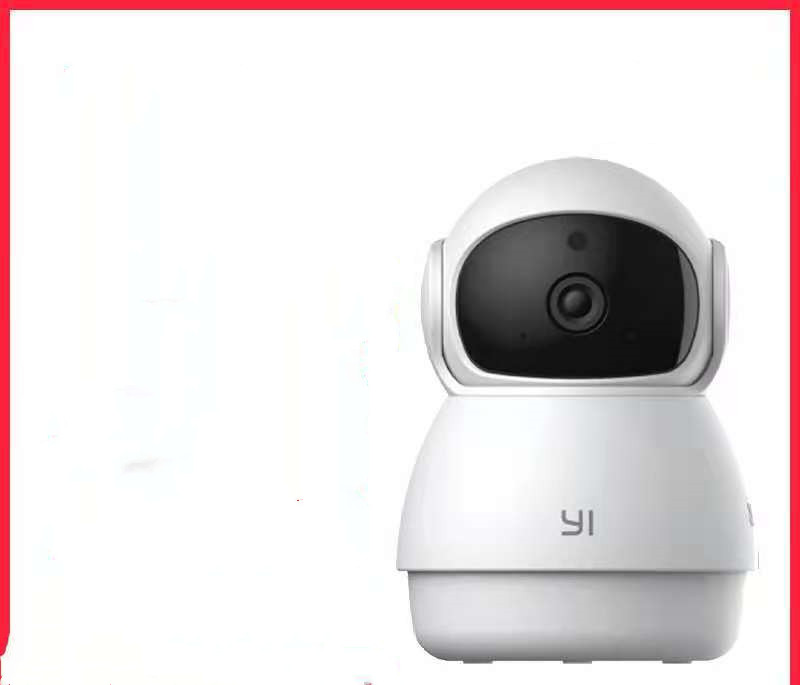
Home HD Monitoring Wireless Wifi Mobile Phone Remote
-
Estimated Delivery:Sep 07 - Sep 11
-
Free Shipping & Returns: On all orders over $75

Home HD Monitoring Wireless Wifi Mobile Phone Remote
Product material:
Material: ABS
Details:
Horizontal resolution :1080P
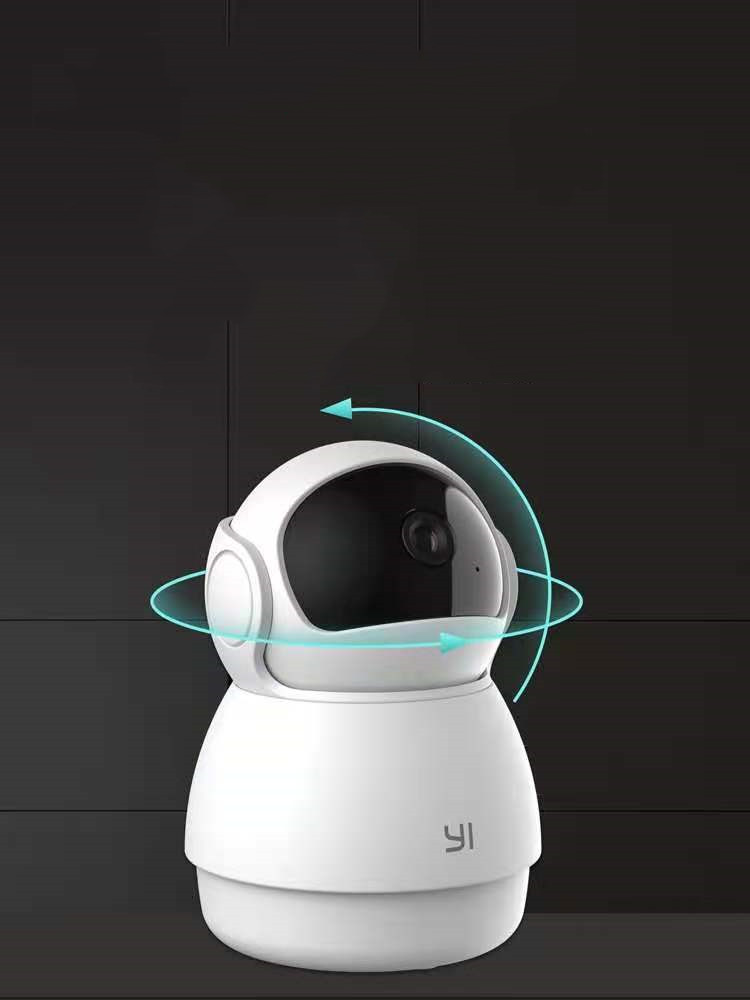
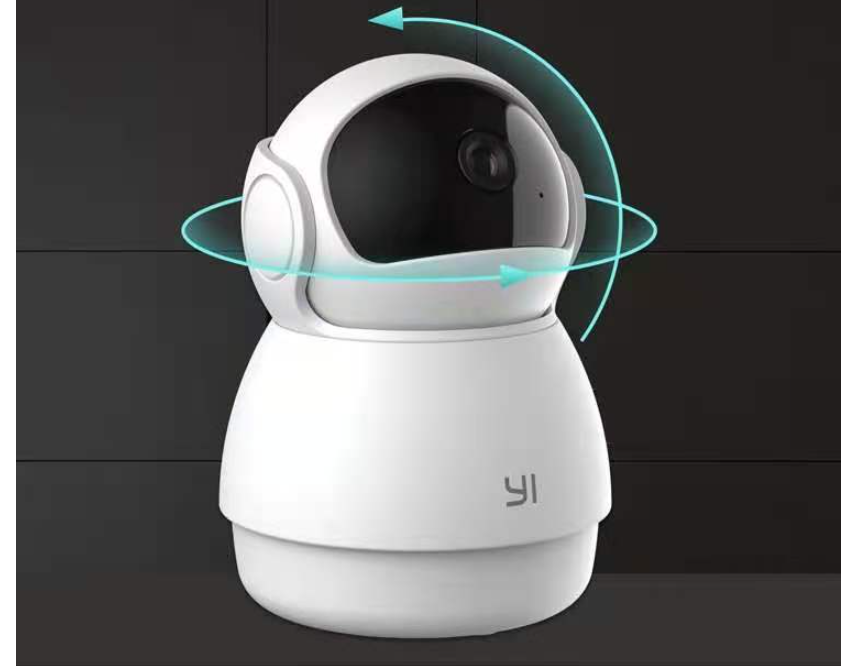
Function: panoramic monitoring, intelligent tracking, infrared night vision
Setting up your camera with the YI Home app
1. Install the YI home app and create a YI home account
2. Turn on your camera and click the icon on the top right corner of YI HOME app to add your camera
3. Select your Wi-Fi network and enter your Wi-Fi password, then select Connect to Wi-Fi
4.Scan the QR Code displayed on the app and then select next after the QR Code has scanned
5. Select save, then select start using to complete the pairing.
6. If the connection fails, press the reset button and try again.
Wi-Fi settings
1. YI home cameras will need to connect to a 2.4GHz band network. 5GHz WiFi band is not supported
2. Activate the location service on the phone if you encounter an unknown SSID problem
3. Encryption mode must be set to WPA / WPA2 (mixed mode) or WPA2
4. Your Wi-Fi password must be 8 to 20 characters long
Packing list
Camera X1
Shipping cost is based on weight. Just add products to your cart and use the Shipping Calculator to see the shipping price.
We want you to be 100% satisfied with your purchase. Items can be returned or exchanged within 30 days of delivery.
Why Minimog?


Discover more in our FAQ
How long does it take to process an order?
All the details you love about the original—with a fresh flared block heel and modern square toe. Expertly crafted using soft Nappa leather, this essential style molds and moves with you to keep you comfortably on your feet all day (and night). This boot uses leather sourced from a Leather Working Group-approved trader. The Leather Working Group (LWG) Audit Standards provide transparency and accountability within the leather supply chain—covering energy and water usage.
Do you ship internationally?
All the details you love about the original—with a fresh flared block heel and modern square toe. Expertly crafted using soft Nappa leather, this essential style molds and moves with you to keep you comfortably on your feet all day (and night). This boot uses leather sourced from a Leather Working Group-approved trader. The Leather Working Group (LWG) Audit Standards provide transparency and accountability within the leather supply chain—covering energy and water usage.
What is your return policy?
All the details you love about the original—with a fresh flared block heel and modern square toe. Expertly crafted using soft Nappa leather, this essential style molds and moves with you to keep you comfortably on your feet all day (and night). This boot uses leather sourced from a Leather Working Group-approved trader. The Leather Working Group (LWG) Audit Standards provide transparency and accountability within the leather supply chain—covering energy and water usage.
What are your sizing options?
All the details you love about the original—with a fresh flared block heel and modern square toe. Expertly crafted using soft Nappa leather, this essential style molds and moves with you to keep you comfortably on your feet all day (and night). This boot uses leather sourced from a Leather Working Group-approved trader. The Leather Working Group (LWG) Audit Standards provide transparency and accountability within the leather supply chain—covering energy and water usage.